


PowerApps Left Navigation Component – Modern Sidebar Menu for Canvas Apps
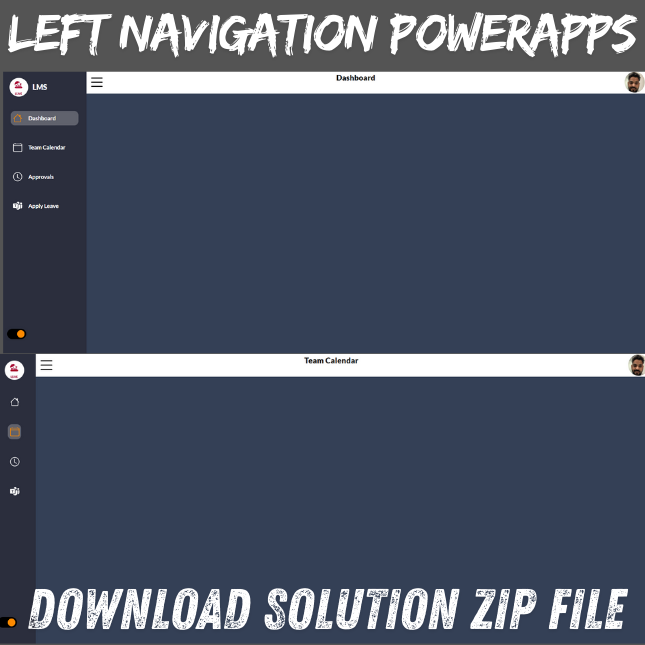
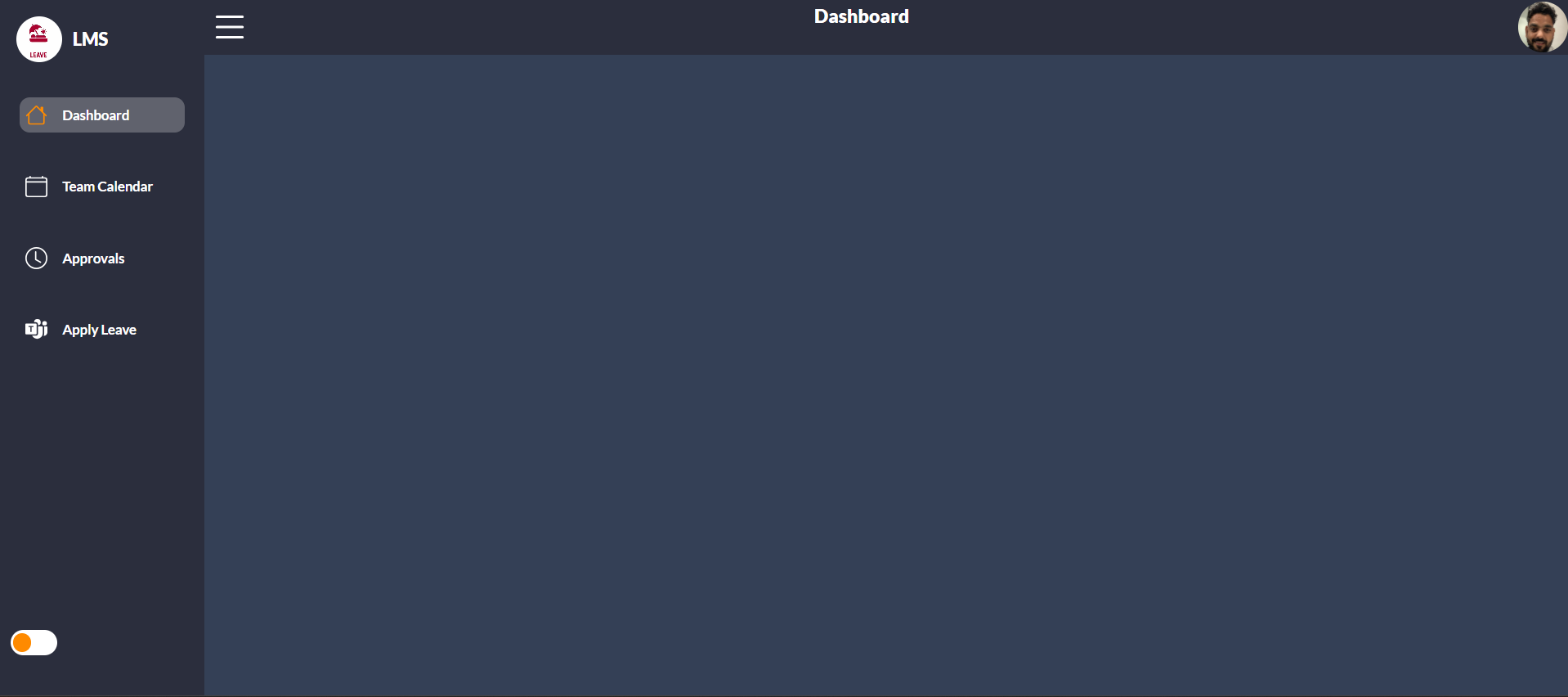
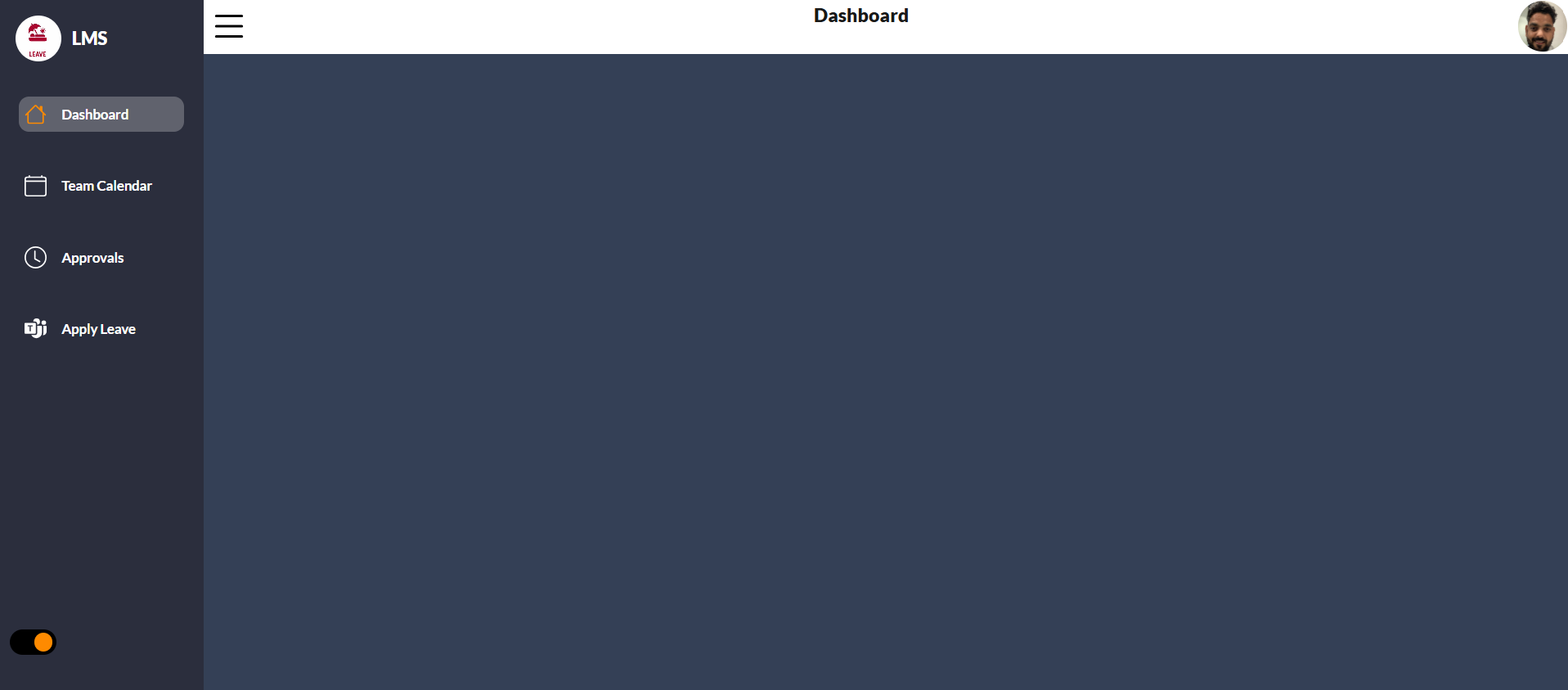
Enhance your application UX with a professional PowerApps Left Navigation Component, designed for business-grade Canvas Apps. This reusable solution provides a sleek and functional PowerApps sidebar menu that makes screen switching intuitive and visually appealing.
⭐ Key Features
✔ Fully customizable navigation menu in PowerApps
✔ Dynamic menu items from Collections / Dataverse / SharePoint
✔ Active screen highlight & hover interactions
✔ Supports Fluent UI icons, SVG & PNG images
✔ Expand/Collapse mode for tablet & desktop layouts
✔ Lightweight with high performance — no delegation issues
✔ Drag-and-drop PowerApps reusable component for any Canvas App
🔧 What You Receive
-
Import-ready PowerApps component file (msapp)
-
Step-by-step setup documentation with screenshots
-
Sample formula snippets for screen navigation
-
Lifetime updates for enhancements & UI improvements
💼 Where You Can Use It
Perfect for:
-
HR & Employee Self-Service Apps
-
Project & Task Management Apps
-
CRM & Sales Dashboard Applications
-
Ticketing, Helpdesk & Support Systems
-
Operations & Inventory Applications
Whether you are building a basic business app or a full suite, this Canvas App navigation menu helps users move between screens effortlessly.
💡 Why This Component Is Valuable
Creating a high-quality modern UI/UX in PowerApps takes time. With this ready-to-use solution, you can:
-
Save over 20 hours of development
-
Provide users with a familiar navigation model
-
Maintain consistent UI across all screens and modules
-
Focus on functionality instead of UI rework
🛠 Technical Compatibility
-
Canvas Apps (Tablet & Desktop layouts)
-
Dataverse, SharePoint, SQL & all supported connectors
-
Works seamlessly with existing screen navigation control formulas
📌 Licensing
✔ Can be used for personal or commercial projects
✘ Redistribution or re-selling the source code is not allowed
Note: I provide paid support to install the application.
The purchase includes the application files only.
If you want deployment or installation in your tenant, it is a paid add-on service, and the installation fee is $50 USD per tenant.

Reviews
There are no reviews yet.